Video Mode: Recording Takes You Can Post

Why Video Mode Exists
The clip of you performing the song is now as important as the song. The old workflow was miserable: record audio in one app, film yourself lip-syncing in another, sync them in a third, lose quality at every handoff. Video Mode collapses that into one step - the camera rolls while you sing, and the audio it captures is your tuned, effected vocal over the beat, not the raw sound of the room. What you post is a real performance with a finished sound.
Setting Up a Video Take
Treat it like an audio session with a camera attached, in this order:
- Dial the sound first. Key, scale, retune speed, preset - all locked before you care about framing. A great-looking clip with wrong-key autotune is unusable; a plain clip with a killer vocal gets posted.
- Frame after the sound works. Face the light source - a window works. Phone at eye level or slightly above. Wipe the lens; a smeared lens is the most common and most fixable video problem in existence.
- Mind mic distance. The tension in Video Mode is that good framing can put you farther from the mic than good audio wants. Get as close as your framing allows and sing a touch stronger to compensate. Earbuds while recording help you hear the tuned vocal without the beat bleeding into the camera's mic.
Performing for the Camera
Real talk: performing to a camera is a separate skill from singing, and the only fix is repetition.
- Do a sound-only rehearsal take. Sing it once caring only about the vocal. Then roll video with the performance already in your body.
- Commit visually. Halfhearted delivery reads instantly on camera. Whatever your energy is - subtle or explosive - do it at one hundred percent.
- Record more takes than feels necessary. Blinks, glances at the screen, awkward endings - things you never notice live are glaring on playback. Three to five takes is normal for one usable clip. Keep the phone steady; propped beats handheld unless movement is the point.
Structure for the Feed
You're making a short clip, not a concert film, so edit your plan before you press record:
- Lead with the hook. Viewers decide in seconds. Start the take at the strongest bars, not at the song's beginning.
- Keep it tight. Fifteen to thirty seconds of your best section outperforms a full run-through nearly every time.
- Let the FX be visible. A big echo throw or a 3D moment lands harder when your performance acknowledges it - lean back on the throw, pause in the space. Sound and picture selling the same moment is what makes clips feel produced.
Posting
One-tap social export packages the clip for wherever it's going, with the tuned vocal already married to the picture - no external sync step, no re-recorded audio, no generation loss from bouncing between apps. Post it, and keep the session so you can cut alternate sections of the same song for later.
The Practice Loop
Once a week, pick your best current hook and produce one clip start to finish: sound dialed, framed, five takes, best one exported. The first few will feel stiff. By the fifth week you'll have a repeatable system - and a backlog of postable performances instead of a camera roll of almosts.
Marco Vidal
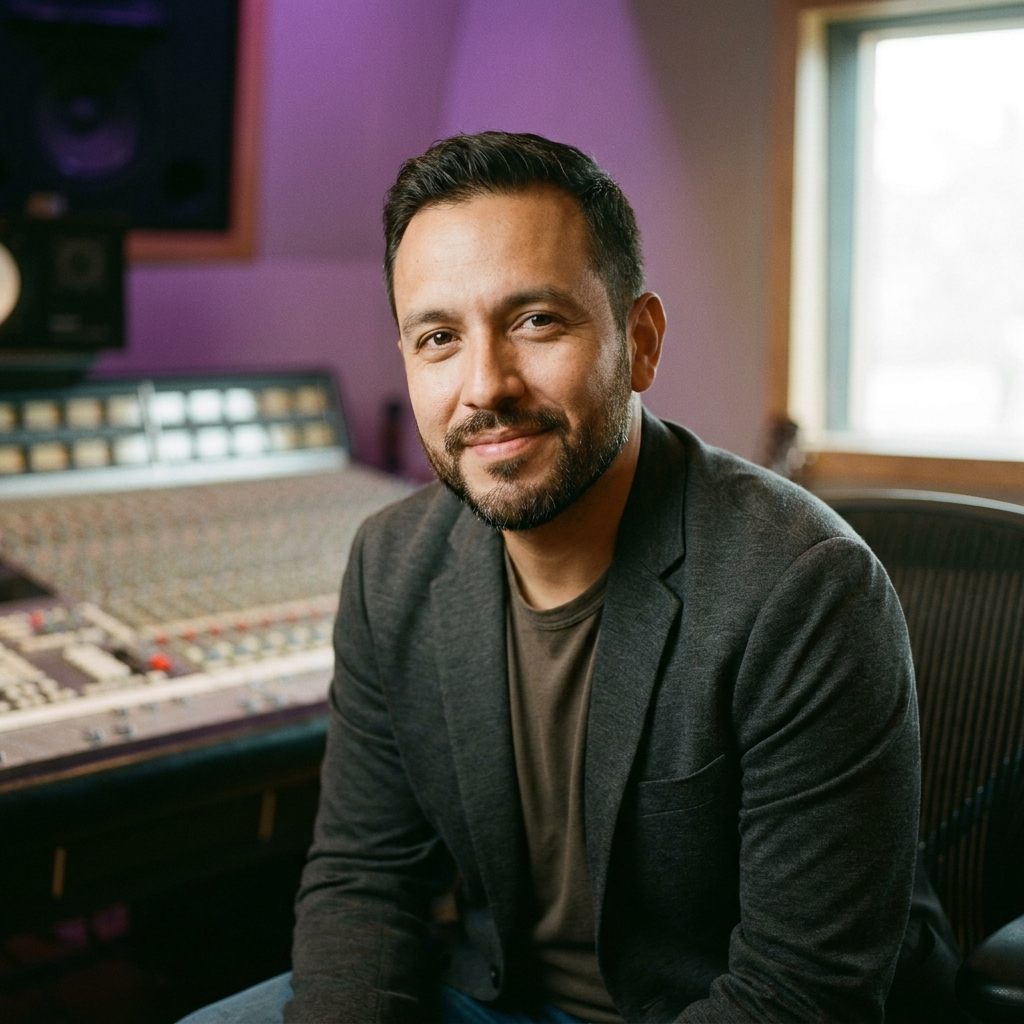
Marco has produced and mixed records for fifteen years, from bedroom demos to chart singles. He writes about beats, sound design and mixing — always with real numbers and zero mystery-making.
All articles by Marco Vidal